Pons Launchpad Liquidity Lock: What It Actually Proves Before You Buy
A Pons Launchpad liquidity lock can limit one way to withdraw a pool position, but it cannot prove that a Robinhood Chain token is safe. Check the exact pool, lock rules, and token permissions before buying.
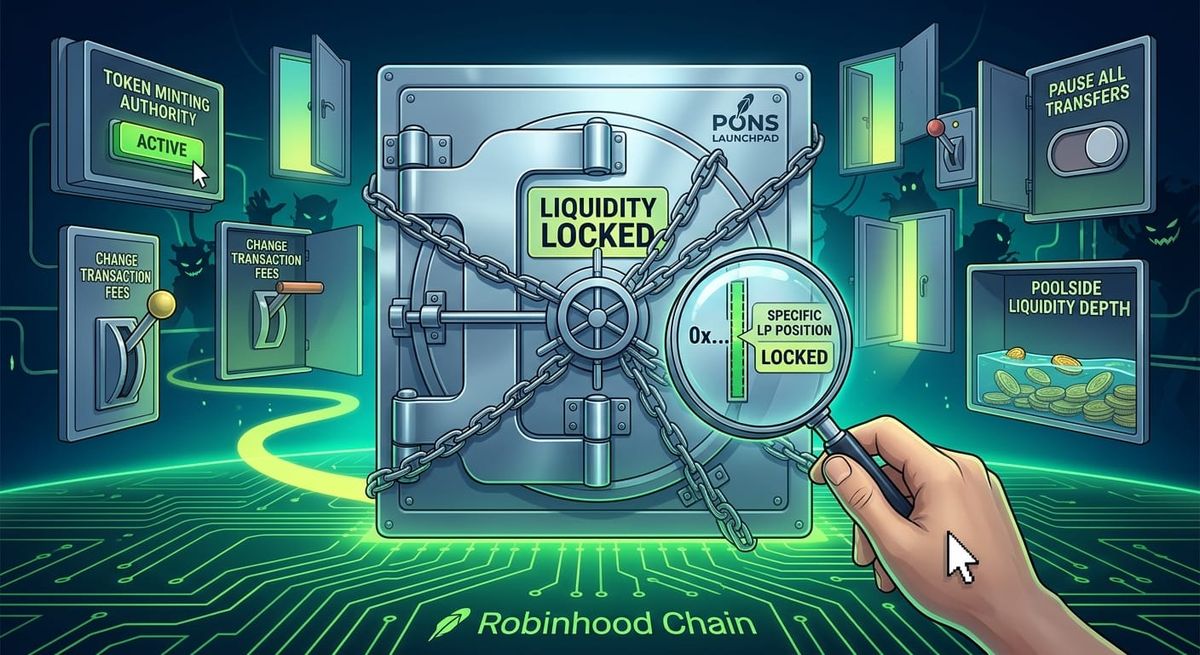
“Liquidity locked” sounds reassuring when you are looking at a Pons Launchpad token on Robinhood Chain. But the phrase answers only one narrow question: can a specific liquidity position be withdrawn right now?
It does not prove that the token is safe, that the team cannot change permissions, or that the pool is deep enough for you to sell. Before buying, check the exact position, the lock rules, and the token contract separately.
What does a Pons Launchpad liquidity lock cover?
A liquidity pool holds the two assets used for a market. The provider receives a position record, usually an LP token or an LP NFT. A lock sends that record to a locker or time-lock contract until a stated date or condition.
That can restrict one exit route for the liquidity provider. It says nothing by itself about:
- whether the token supply can still be increased;
- whether transfers or fees can be changed;
- how much supply is held by the team or early wallets; or
- whether the pool can handle a normal order without large price impact.
“Locked” describes the liquidity position, not the whole project.
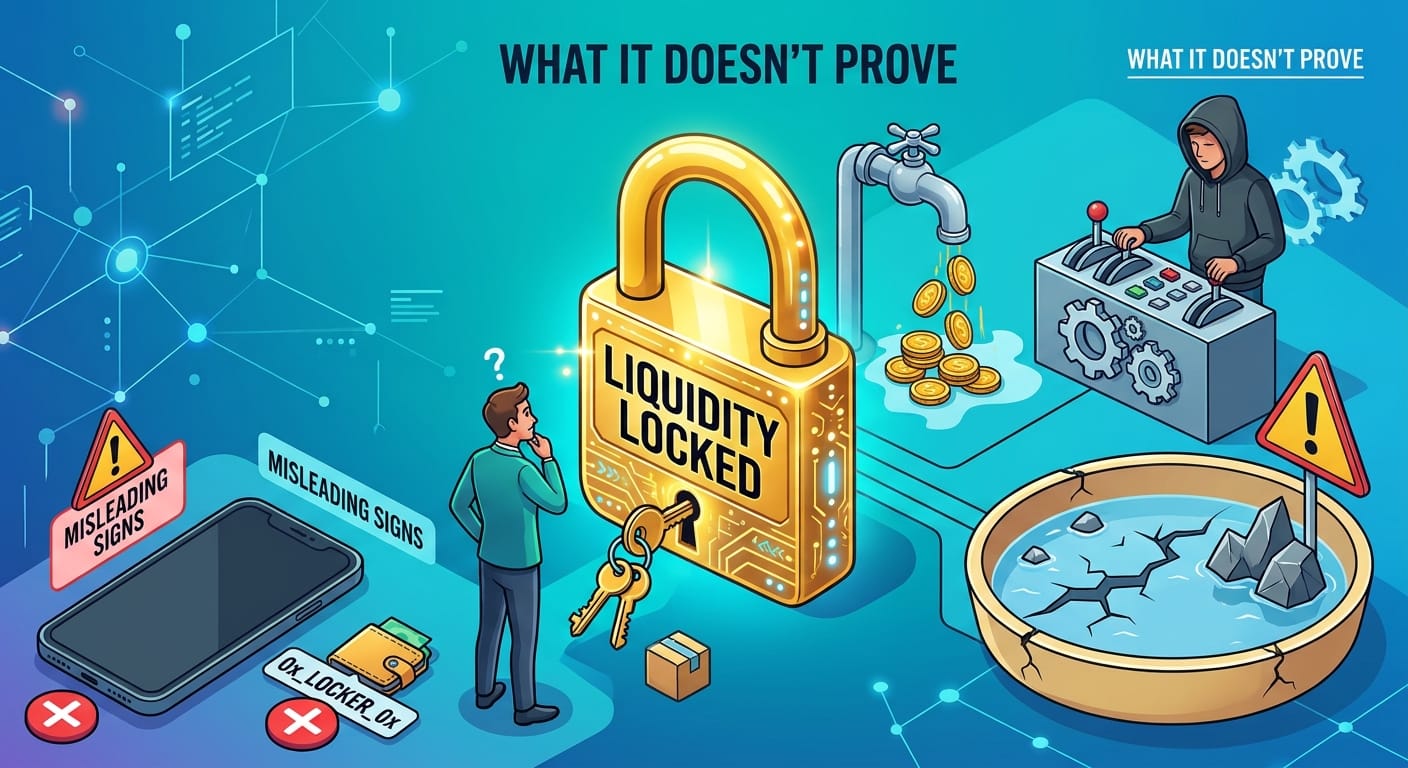
Locked, burned, and position-managed are different
Pons-related pages may use several labels. Do not treat them as synonyms:
- LP locked: a locker contract holds the LP token until its rule is met.
- LP burned: the LP token was sent to an address intended to be unrecoverable. That may be permanent, but it cannot repair a risky token contract.
- LP NFT locked: the locked item is an NFT representing a particular liquidity range. The NFT holder and the active range still need checking.
- Position manager: another contract manages the position. You must still identify who can call its withdrawal functions.
A screenshot that says “burned” is not proof that the correct position was burned. A wallet address containing “lock” is not a substitute for reading the contract’s unlock rule.
Four checks before buying a Pons token
1. Match the token, pool, and position addresses
Start with the contract addresses published by the project. Check the token address, pool address, and LP token or NFT in Robinhood Chain Blockscout. Do not rely on a ticker or a search result alone; copies and old pools can use the same name.
2. Read the locker’s actual rule
If a locker holds the position, inspect its unlock time, withdrawal function, beneficiary, and deposit transaction. If a position manager holds it, identify whether that manager is controlled by a time lock, a multisig, or an ordinary wallet.
The useful evidence is the visible withdrawal path, not the word “lock” in an address.
3. Check token permissions separately
A locked pool can sit beside a highly controlled token. Check whether an owner or privileged address can mint, pause transfers, blacklist wallets, change fees, upgrade the contract, or alter trading limits.
For users who want to review Robinhood Chain tools and the Pons-specific workflow in one place, the SlerfTools Robinhood Chain Pons section is the relevant starting point. It is a tool entry point, not a safety certificate.
4. Check whether the locked liquidity is usable
Locking a small pool does not make it deep. Look at reserves, recent trade sizes, price impact, and whether the position is active at the current price. A concentrated position can remain locked while offering little liquidity outside its selected range.
Also confirm that traders are using this pool. A locked, inactive secondary pool does not protect buyers who trade somewhere else.
What a lock still cannot prove
Even a verifiable lock does not rule out concentrated holdings, hidden mint or upgrade authority, high or changeable fees, transfer restrictions, shallow liquidity, or manufactured volume. It also says nothing about where the price will go.
The lock answers one question: can this particular liquidity position be withdrawn under the published rules? It does not answer whether the token is fairly distributed or whether buyers will still be there tomorrow.
If you are the project operator
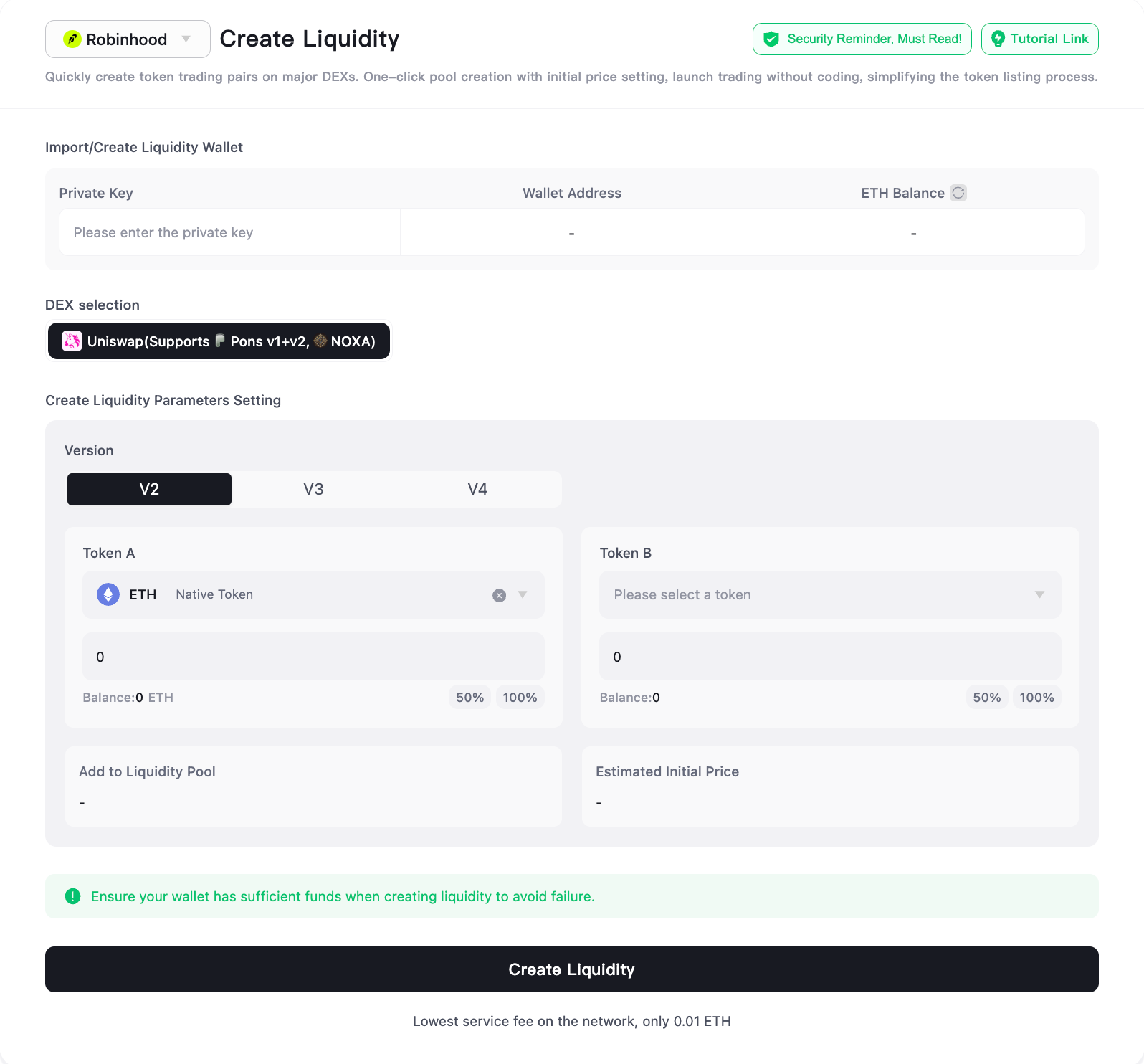
Creating a pool and locking its position are separate steps. The pool must first contain the intended pair and opening ratio; the resulting LP token or LP NFT then needs to be placed in a contract whose owner, beneficiary, and unlock condition can be checked.
The SlerfTools Robinhood Liquidity Pool page is for the pool-creation step. After the transaction, verify the addresses and lock record in the explorer. This article covers the checking logic, not the form-by-form procedure.
A short pre-buy checklist
Record these items before treating a Pons Launchpad token as lower risk:
- Token contract address.
- Pool and LP position address.
- Locker or position-manager address.
- Unlock time and withdrawal rule.
- Token owner and privileged permissions.
- Reserves, active range, and recent trade size.
If one item cannot be verified, record it as unknown. A visible liquidity lock is useful evidence, but it is only one line in the risk check.
About SlerfTools
SlerfTools is a multi-chain Web3 toolkit supporting Solana, BNB Chain (BSC), Base, Ethereum, Robinhood Chain, and other supported EVM-compatible networks. It provides tools for common on-chain workflows, including token management, liquidity management, wallet operations, batch transfers, and batch transaction execution. SlerfTools is designed to help teams work more efficiently while retaining control of wallet access and transaction approvals.