What Is Sol Incinerator? Burning Tokens and Reclaiming SOL Are Different
Sol Incinerator usually refers to a Solana wallet-cleanup tool, but token burning and SOL rent recovery are separate actions. Here is what each action changes, what you may recover, and what to check before signing.
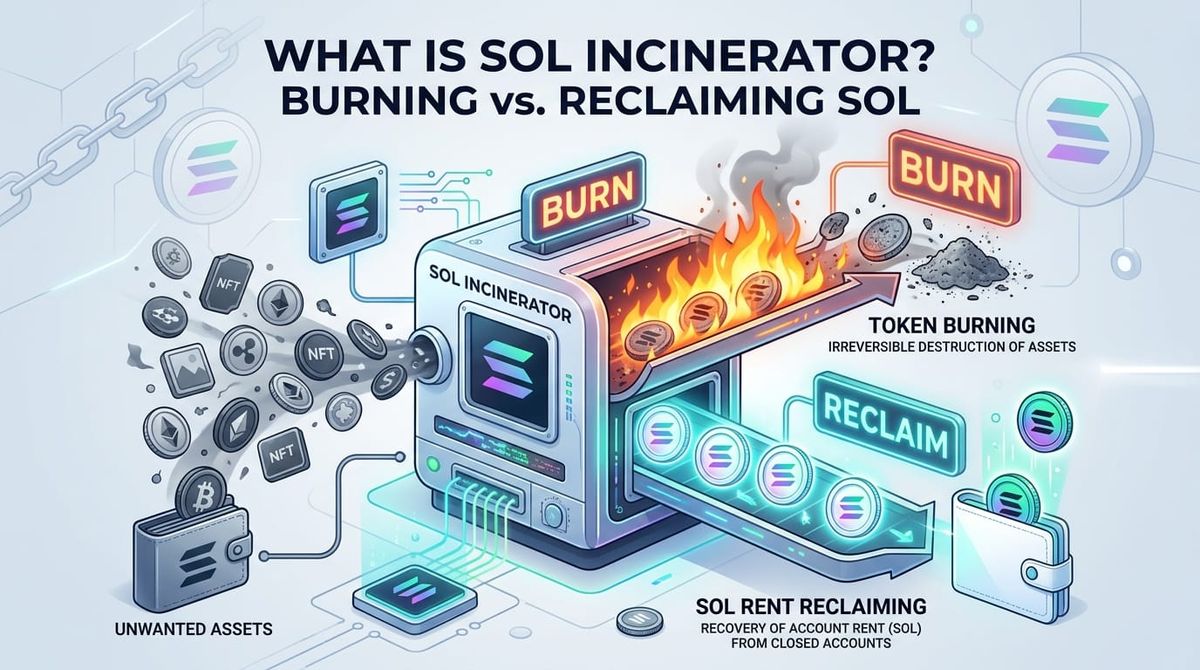
If you search for sol incinerator, you are usually looking for a way to clean up a Solana wallet. The name is commonly used for a tool that can burn unwanted tokens or NFTs and close eligible accounts so the SOL held as account rent can be returned.
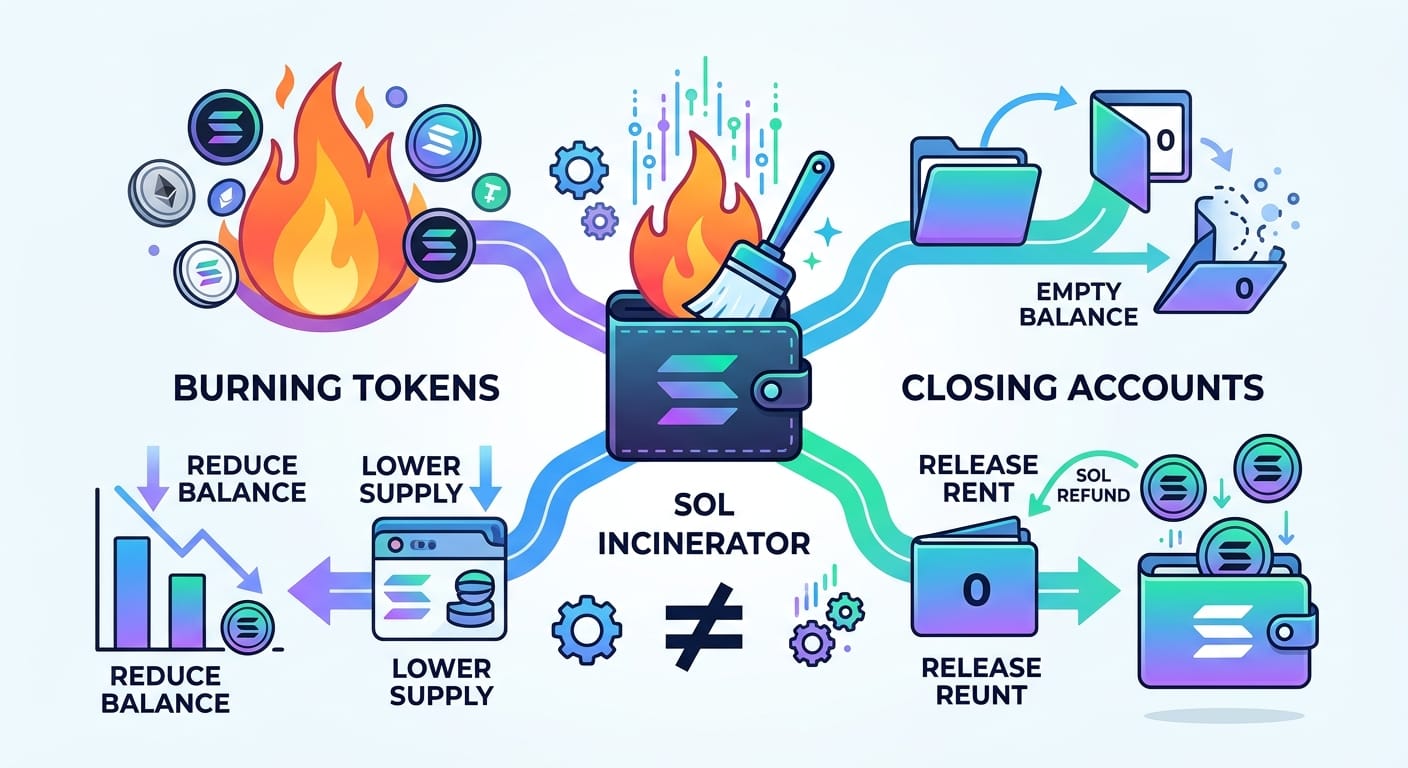
Those actions are connected, but they are not the same. Burning a token changes the token balance and supply. Closing an empty account can release the account’s rent deposit. A wallet can contain an unwanted token that is burnable but does not return any SOL, and it can also contain an empty account that returns SOL when closed.
What is Sol Incinerator?
“Sol Incinerator” is not a special Solana consensus feature. It is a name used for a wallet-cleanup service and, more broadly, for tools that combine token burning with account cleanup.
The underlying actions come from Solana’s token and account programs. Solana uses rent-exempt balances for many on-chain accounts. The balance is held by the account, so it can be returned when the account is closed under the program’s rules. The tool is an interface for finding eligible accounts and preparing transactions; it does not create SOL or recover assets that were lost or stolen.
This distinction matters because search results often use “burn,” “clean,” “reclaim,” and “refund” as if they described one operation. They do not.
Burning Solana tokens is not the same as closing an account
When you burn Solana tokens, the selected amount is removed from the token account. The token balance goes down, and the total supply is reduced by the burned amount. The burn is irreversible once the transaction is confirmed.
The token account can still exist after the balance reaches zero. If you want to release the account’s rent, the account must also be closed, and the account must meet the relevant conditions. A burn by itself is not a rent refund.
The same logic applies to NFTs and other assets. Removing an asset from your wallet does not automatically mean that every related account or metadata account can be closed. The asset type, program, authority, and current account state all matter.
That is why a good explanation of a sol burner should answer two separate questions:
- Which asset or balance will be destroyed?
- Which account, if any, will be closed and send its rent to a recipient?
Why can a Solana wallet give SOL back?
The SOL returned by a wallet-cleanup tool usually comes from account rent, not from a reward and not from a refund of network fees. Creating and holding token-related accounts can require a rent-exempt balance. When an eligible account is closed, that balance can be sent to the wallet or another address selected for the transaction.
This is why searches such as sol recover and sol refund can be confusing. “Recover” may mean reclaiming rent from an empty token account. It does not mean reversing a transfer, restoring a lost private key, or recovering a token that was sent to the wrong address.
You may receive little or no SOL when:
- the wallet has no eligible empty accounts;
- the account still holds a token or NFT that must be handled first;
- the account type or program does not support the same close operation;
- the transaction fails or the account state changes before signing;
- the amount returned is smaller than the network fee and any service fee.
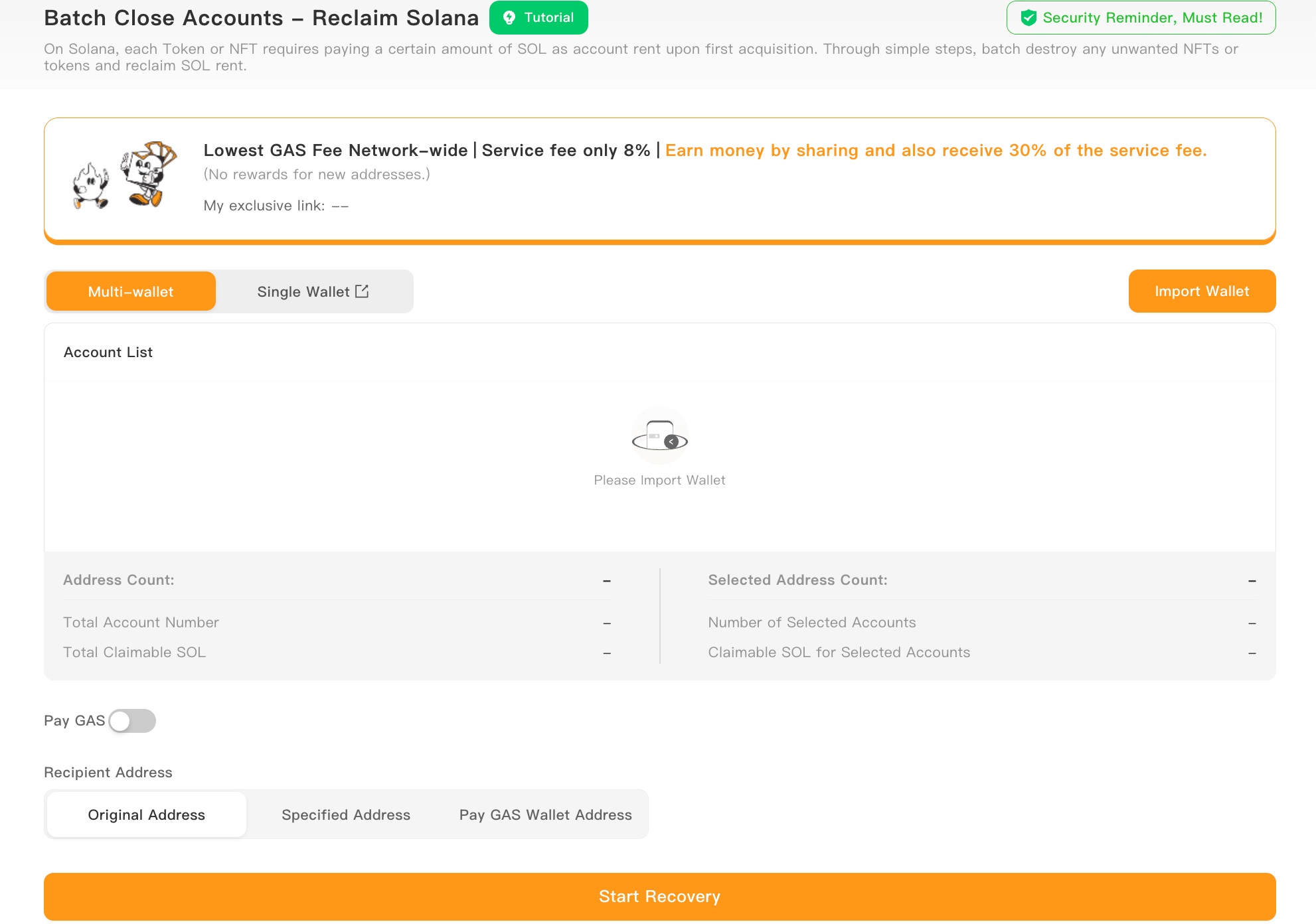
If you have many wallets or accounts to review, SlerfTools’ Solana batch rent reclamation tool can help you inspect eligible accounts and the estimated recoverable SOL before you approve a transaction. The amount shown is an estimate for the selected accounts, not a guaranteed payout.
What does a Sol cleaner actually clean?
A sol cleaner normally refers to a workflow that scans a wallet for unwanted token accounts, NFTs, domains, or other supported assets. It may present several actions together:
- burn a selected token or NFT;
- close an empty token account;
- send the released rent to a chosen recipient;
- group multiple instructions into one or more transactions.
The exact asset types and account programs supported depend on the tool. A scan result is not proof that every item is worthless. A token can have no visible market value and still be important to a wallet, a claim, a vesting position, or an account you intended to keep.
Review the asset, account address, destination, estimated rent, and transaction instructions before signing. If the interface cannot explain what will be burned, closed, or transferred, stop and investigate first.
Is Sol Incinerator safe?
The safer question is not whether a name is safe. It is whether the exact website, wallet connection, transaction, and requested permissions are safe enough for the action you are about to approve.
Before using a Sol Incinerator-style tool:
- verify the domain from an official source and beware of search ads or copied sites;
- connect a wallet only when the site is expected to use a wallet connection;
- never enter a seed phrase or private key into a cleanup tool;
- check the token account, destination address, burn amount, and estimated rent;
- remember that a confirmed burn cannot be undone;
- use a small test wallet first if you are unsure about the workflow.
A wallet signature authorizes the transaction you see. It does not make an unknown site trustworthy, and a non-custodial design does not remove the need to read the transaction details.
Which tool should you use?
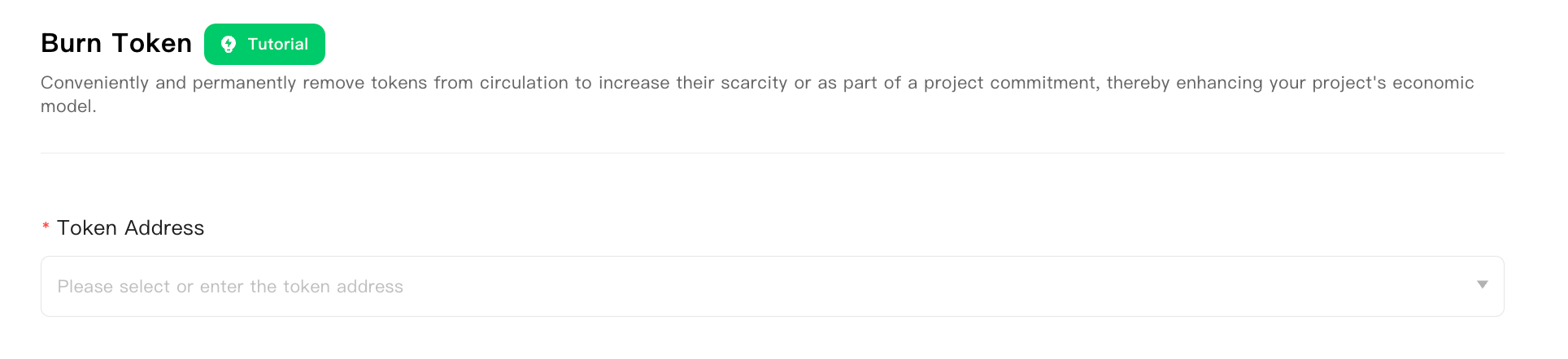
Use a token burner when you have already decided that a specific token amount should be destroyed and you understand that the action is permanent. Use an account-closure or rent-reclamation tool when your goal is to find empty, eligible accounts and release their rent. Use a batch workflow only after reviewing the list; speed is useful, but a larger batch also increases the cost of one mistake.
For the burn side of the decision, SlerfTools Token Burner for Solana is the execution page. The Blog’s job is to explain the difference and the risk. The product page and its documentation handle the transaction steps.
FAQ
What does “sol incinerator address” mean?
It can mean the website address, a wallet address, or a burn destination mentioned in a post. Those are different things. Verify the official website separately from any on-chain destination, and do not treat a pasted address as proof that a site is authentic.
Does burning a Solana token return SOL?
Not automatically. Burning reduces the token balance. SOL is returned only when an eligible account is closed and its rent is released, after fees and program conditions are considered.
Can Sol Incinerator recover lost SOL?
No. A cleanup tool may reclaim rent from accounts you control. It cannot restore a lost seed phrase, reverse a confirmed transfer, or recover funds sent to the wrong address.
Is a Sol Incinerator-style tool the same as a Solana wallet cleaner?
The terms can describe similar workflows, but they do not identify the same provider or the same supported asset types. Check the actual transaction instructions and supported programs before signing.
The useful distinction to remember
Sol Incinerator is best understood as a wallet-cleanup concept built from separate on-chain actions. Burning removes a token or NFT balance. Closing removes an eligible account and may release its rent. Reclaiming means receiving that released SOL after the transaction succeeds.
Keeping those three steps separate makes it easier to judge a tool, estimate what you may recover, and avoid treating a permanent burn as a harmless cleanup click.
This article is for news, security, and industry information only. It is not legal, securities, investment, or compliance advice.
About SlerfTools
SlerfTools is a multi-chain Web3 toolkit supporting Solana, BNB Chain (BSC), Base, Ethereum, Robinhood Chain, and other supported EVM-compatible networks. It provides tools for common on-chain workflows, including token management, liquidity management, wallet operations, batch transfers, and batch transaction execution. SlerfTools is designed to help teams work more efficiently while retaining control of wallet access and transaction approvals.